Ocarino
MIDI routing and clock
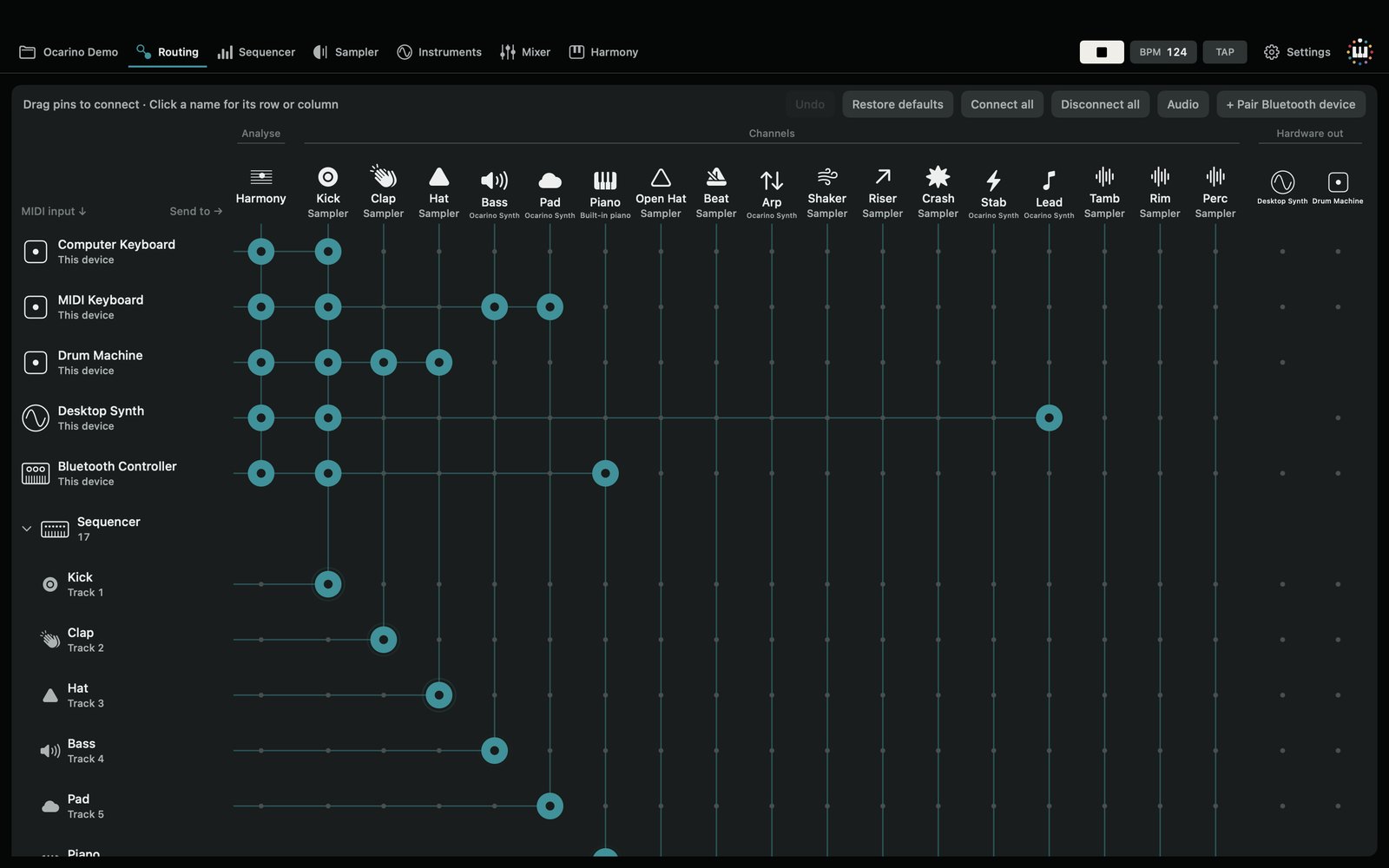
Connect your MIDI keyboards, desktop synths and audio interface to an iPad, iPhone or Mac, then route MIDI, sync clock, sequence and mix in Ocarino, ready to play live.
Ocarino works with USB, Bluetooth and network MIDI devices.1 Each device gets its own input channel and destination tracks, and any track can play an external synth on any MIDI channel. Ocarino can send MIDI clock as the master or follow an external clock. The MIDI monitor logs every message in and out, with filters for device and direction, and exports the log.
Sequencer
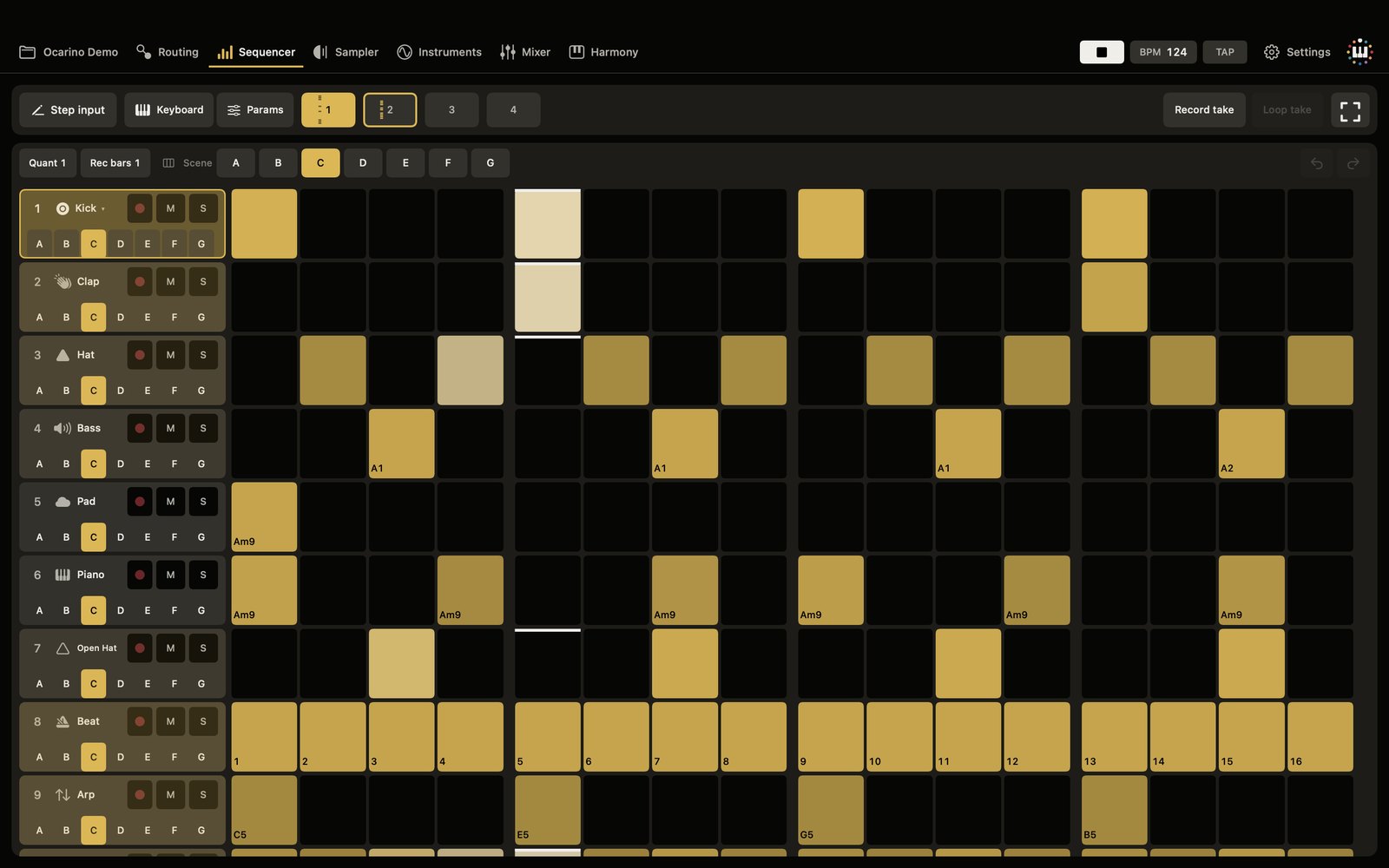
Write drums, bass and melodies in the step sequencer for the built-in sounds and for external synths, or record from a MIDI keyboard with quantization. Each track has seven scenes, A to G, and you can switch them while playing. Any track can be muted or soloed, and tap tempo sets the speed.
Mixer
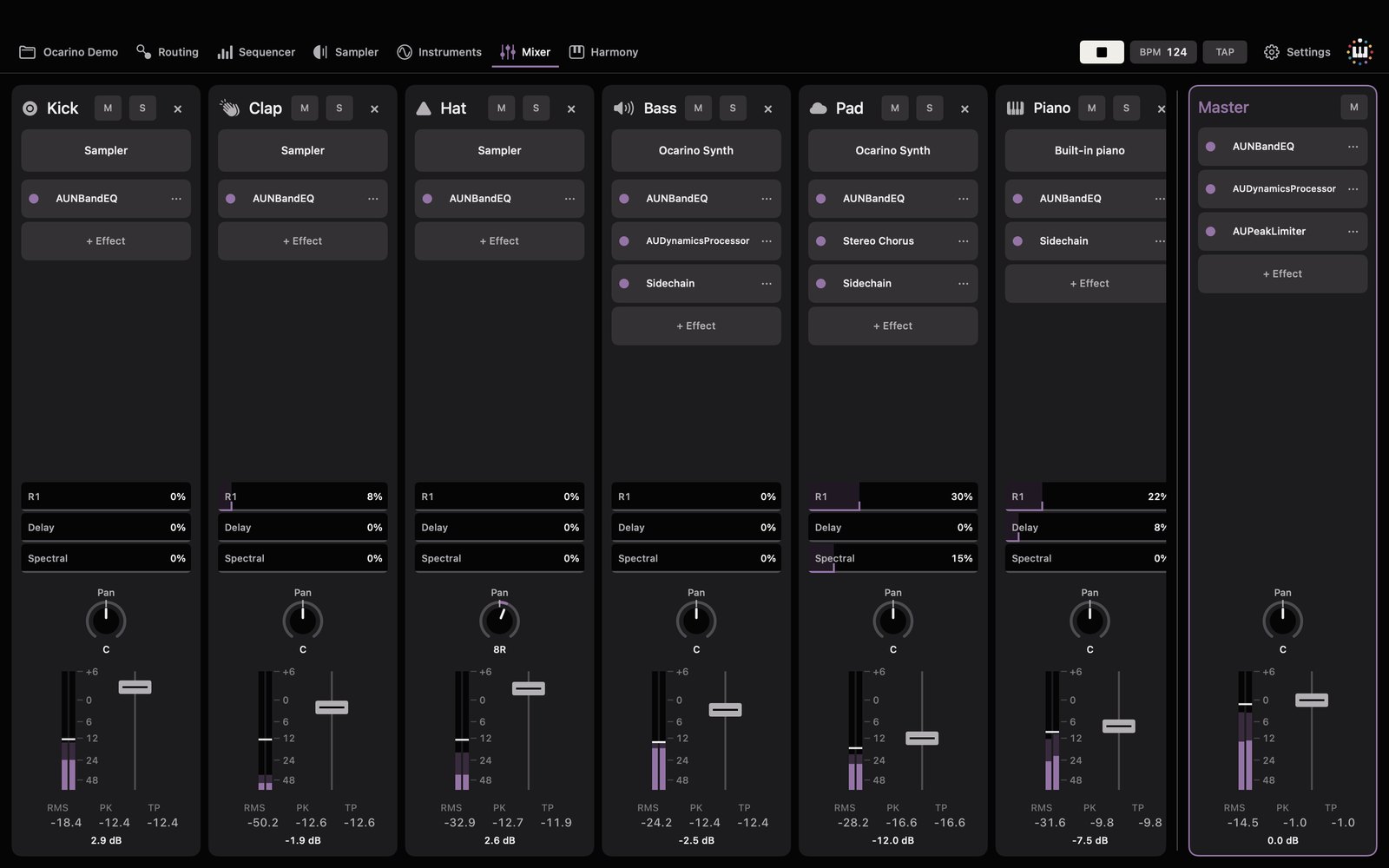
Audio interface inputs come into the mixer as channels, next to the built-in sounds. Every channel takes effects, sends, buses and sidechain. On a multichannel audio interface, each channel can go to its own outputs.2
Instruments and plug-ins
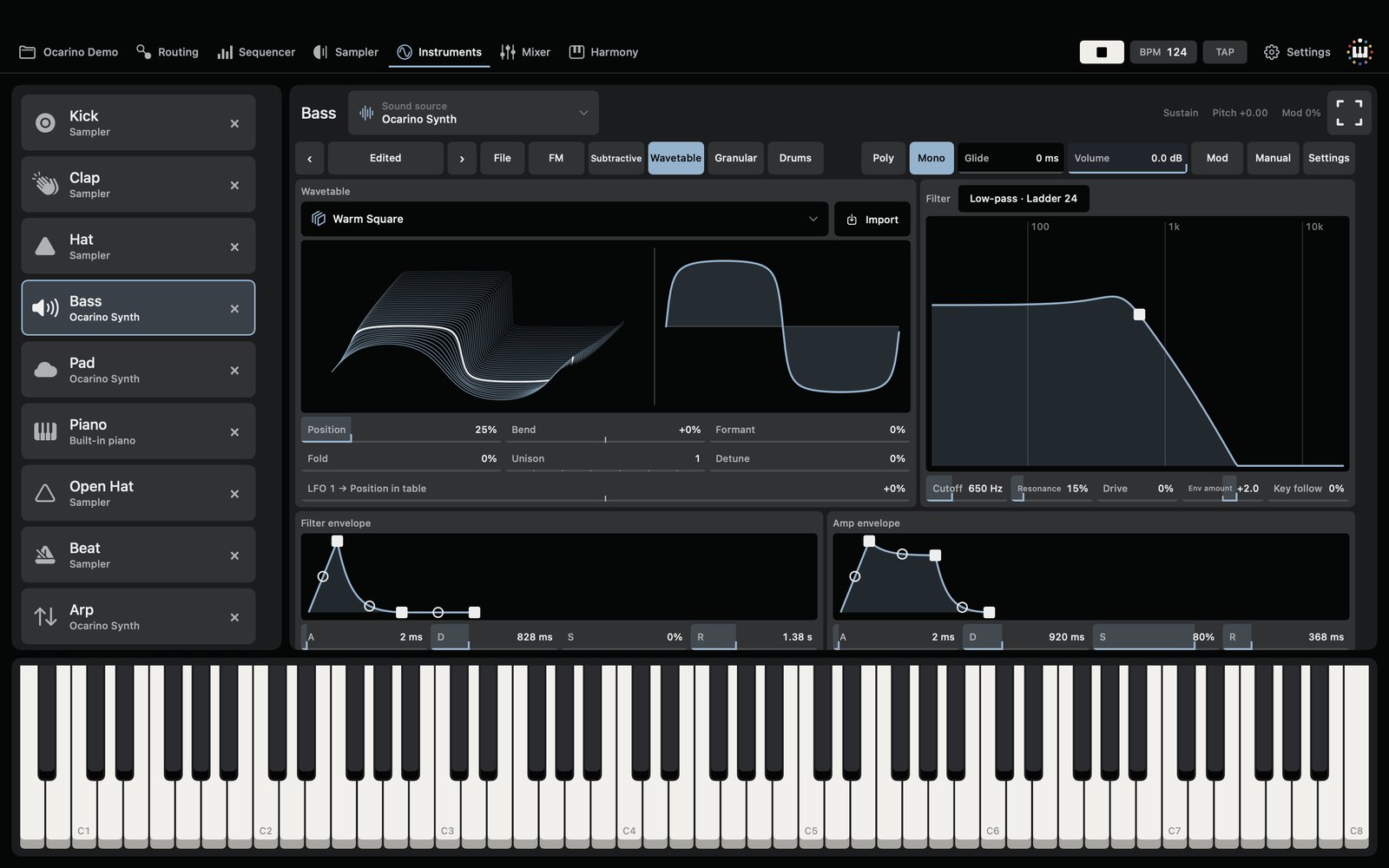
The built-in synth has five engines: FM with 32 algorithms, subtractive, wavetable, granular and drums. A ladder filter, curve control on every envelope stage, LFOs and a modulation matrix shape the sound, and a manual is built in. You can also load third-party Audio Unit instruments and effects.3
Sampler
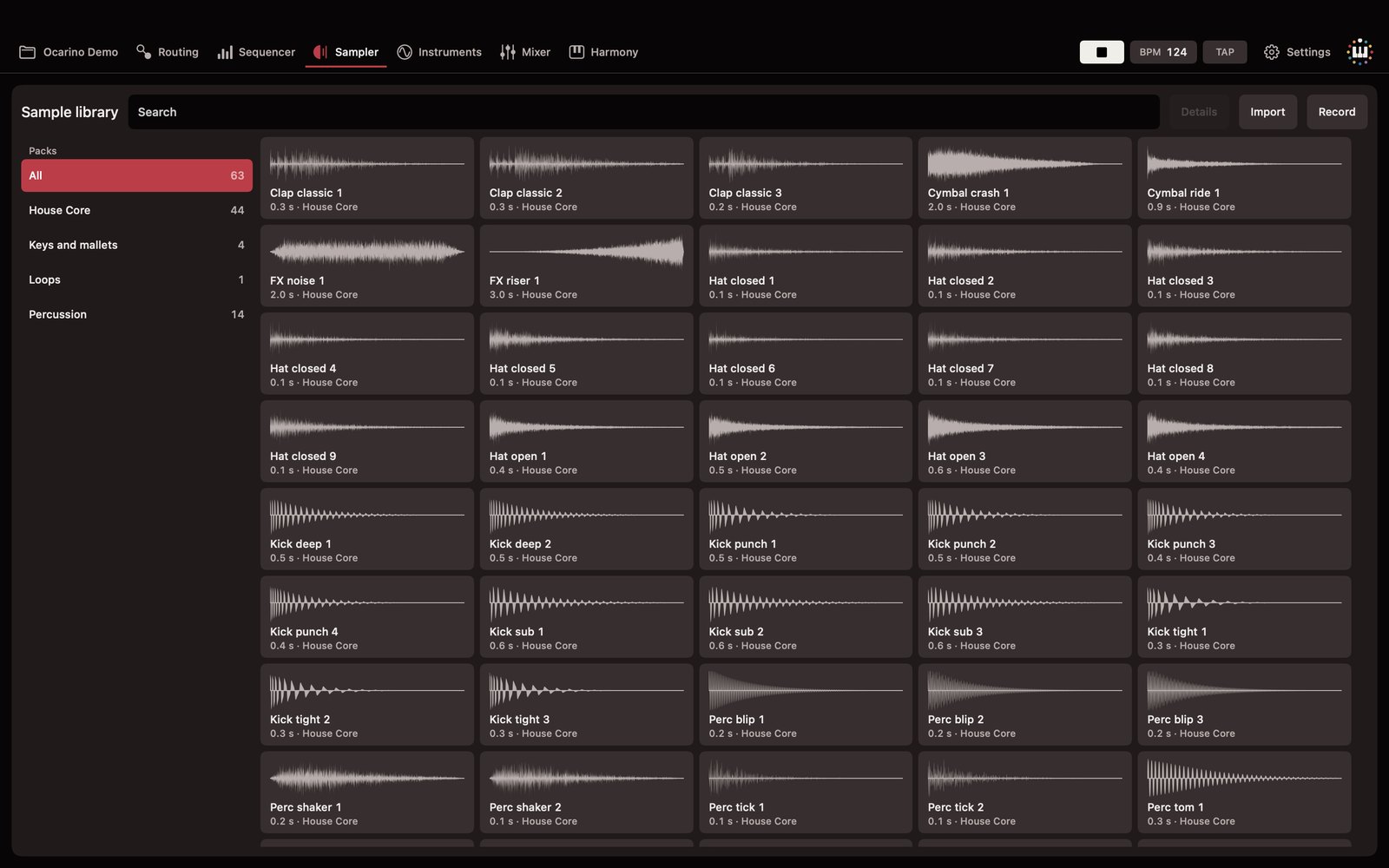
Record from the mic or import audio files, slice them evenly, by beat or by transient, and play the slices from the keys or the step grid. Ocarino also finds a sample's beats, bars, tempo and key.4
Chords
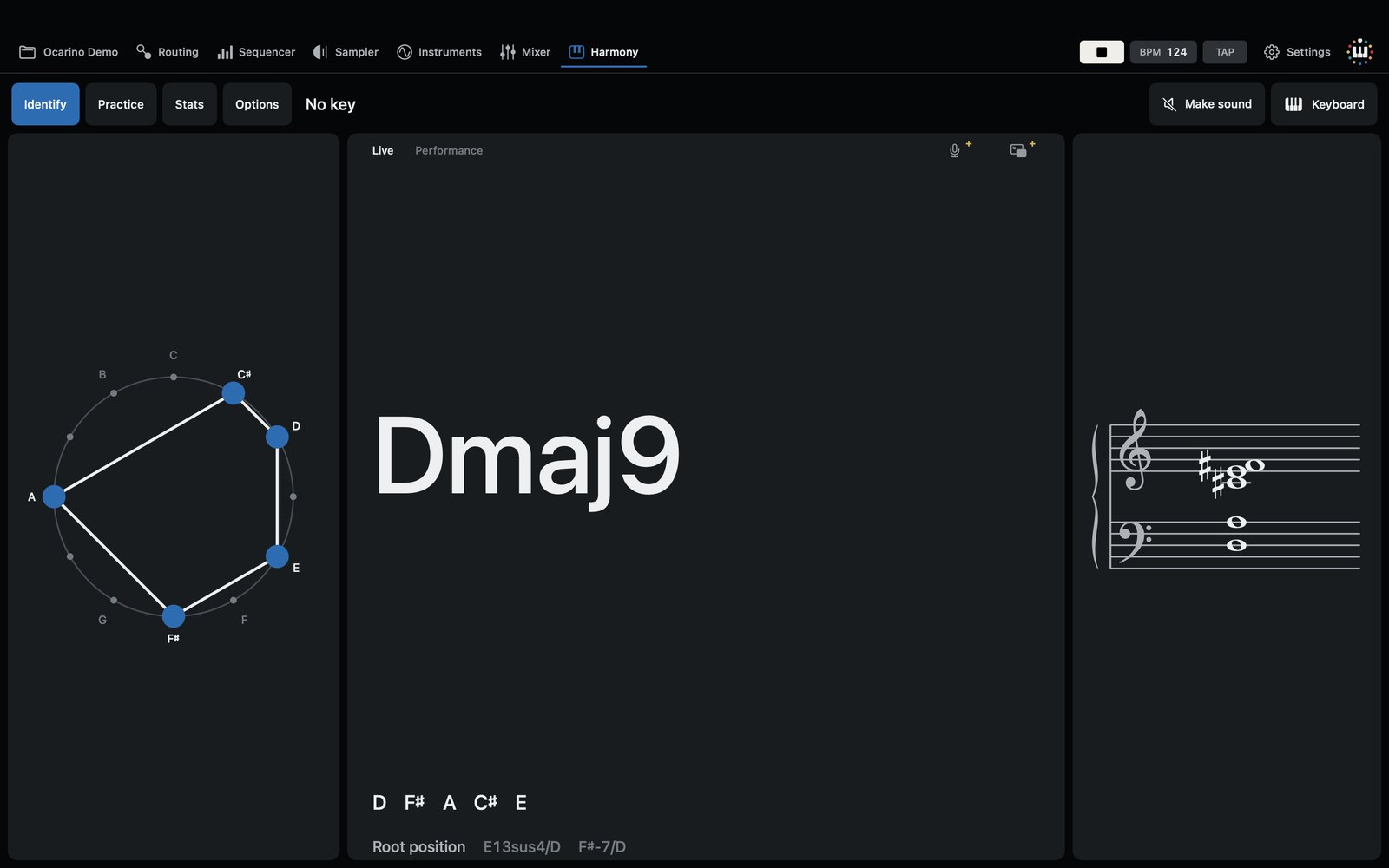
As you play, Ocarino shows the chord name, its notes, the inversion and the staff notation, and marks where the chord sits in the current key on the circle of fifths and the keyboard. Performance mode shows which key the music sounds in.
Apple Watch
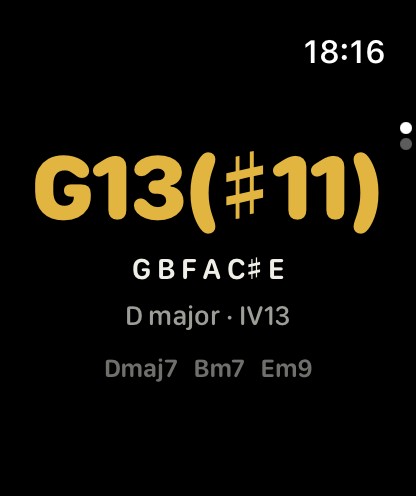
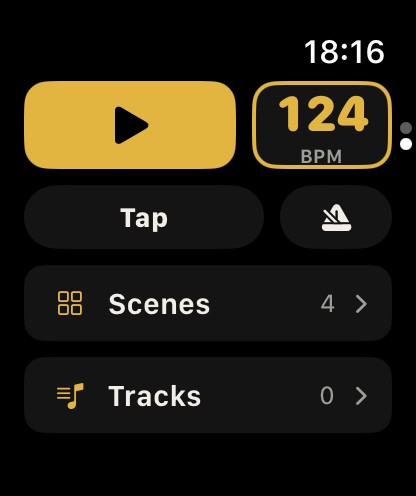
On stage, Apple Watch controls playback, sets the tempo with the Digital Crown and shows the current chord.5
Ocarino+
Ocarino+ is a one-time purchase of US$2.99.6 All core features are free.
- Light appearanceSwitch to light, or follow the system.
- Floating chord windowYour chords, floating over the score.
- Your own logoYour mark in the corner of the app.
- Chords by earNo MIDI. Play into the microphone and see the chord.
- Apple Watch extrasMore ways to see the music on your wrist.
Privacy
Ocarino needs no account and collects no data. Projects, samples, recordings and practice history stay on your device, and the app contains no ads, analytics or tracking code. See the privacy policy for details.
Requirements
- iPad
- iPadOS 26 or later
- iPhone
- iOS 26 or later
- Mac
- macOS 15 or later
- Apple Watch
- watchOS 26 or later, paired with iPhone
Ocarino is on the App Store in every country and region except mainland China, where it is not yet available.
Developer
Ocarino is made by wheatfox, an independent developer. Send questions and suggestions by email.
- Developer
- wheatfox
- Homepage
- wheatfox.dev
- GitHub
- github.com/enkerewpo
- X
- @wheat_fox
- wheatfox17@icloud.com
- External devices sold separately. Bluetooth MIDI needs a device that supports Bluetooth Low Energy MIDI; network MIDI needs both devices on the same network.
- Requires an audio interface with multichannel output.
- Third-party plug-ins are sold and installed separately. iPhone and iPad support AUv3 plug-ins; Mac supports AUv2 and AUv3 plug-ins, not VST.
- Requires iOS 27, iPadOS 27 or macOS 27 or later. Analysis uses Apple's Music Understanding framework and runs on the device.
- Apple Watch must be paired with an iPhone running Ocarino. Some controls require Ocarino+.
- Prices in other countries and regions are shown on the App Store.